
Body Camera Redaction Software for Law Enforcement
Automatically detect and redact faces, license plates, weapons, bystanders, and spoken PII from body-worn camera footage. VIDIZMO Redactor processes hours of BWC video so records teams clear FOIA backlogs without frame-by-frame editing.
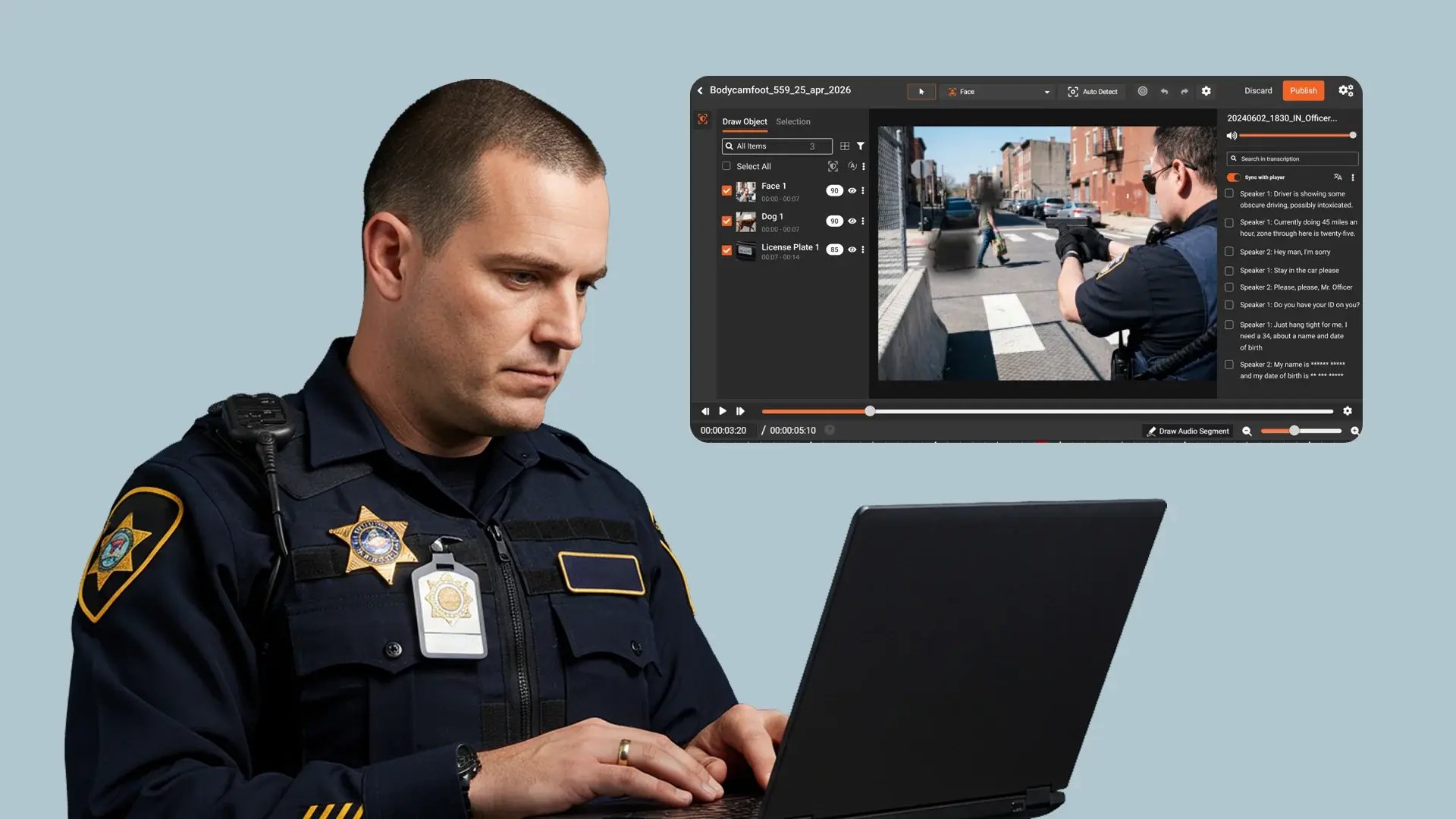




Body Camera Footage Is the Hardest File Type to Redact
Every frame of body-worn camera video captures faces, license plates, weapons, screens, and bystanders in unpredictable, moving scenes. The audio track adds spoken names, addresses, and phone numbers on top.
Manual redaction takes 8+ hours for every 10 minutes of footage, and at that rate, FOIA backlogs grow faster than staff can clear them.
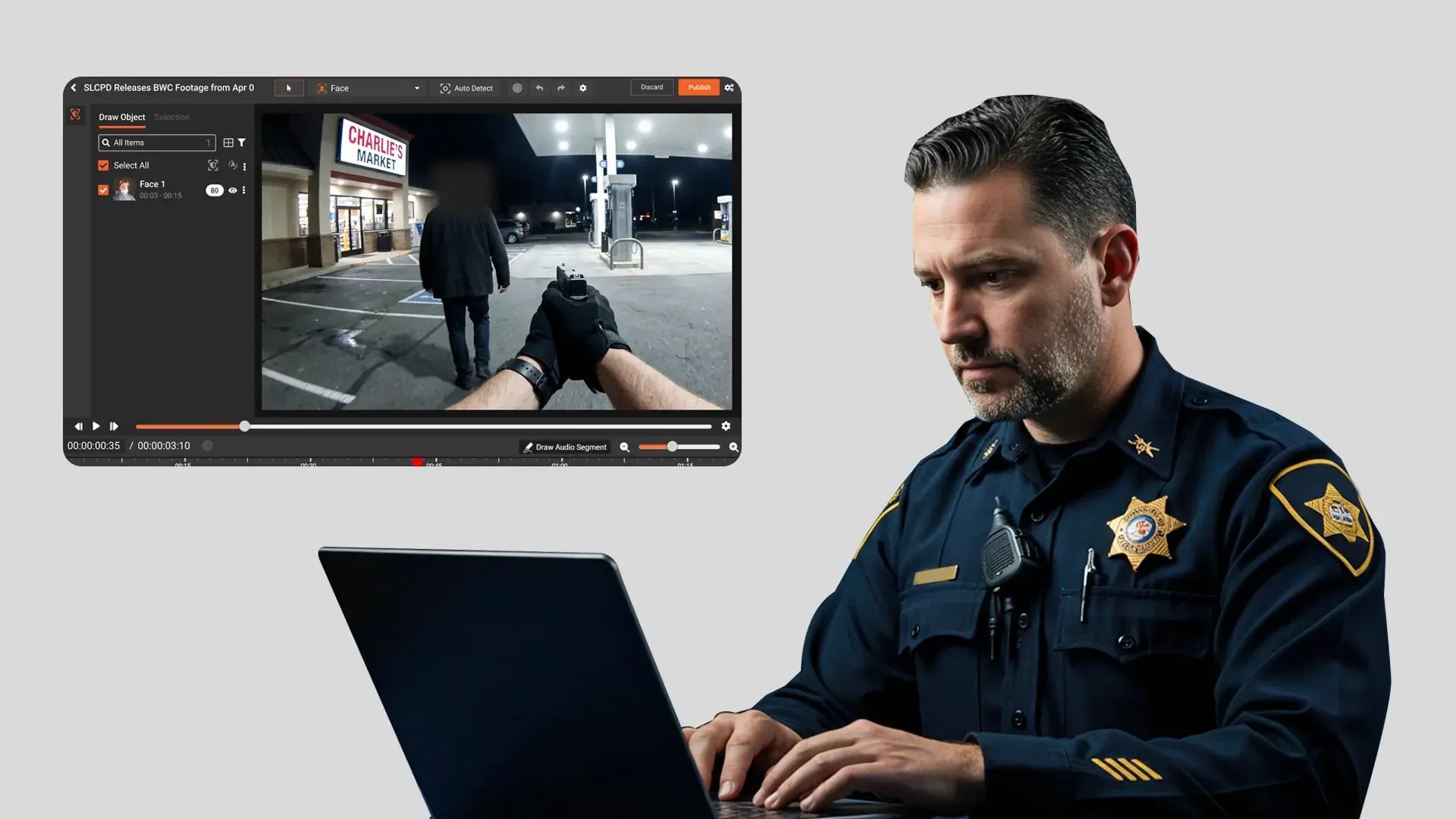
Consistent PII removal across video and audio
Every identifiable face, license plate, and object must be masked throughout the full recording. Spoken names, addresses, and phone numbers on the audio track must be muted or removed before release.
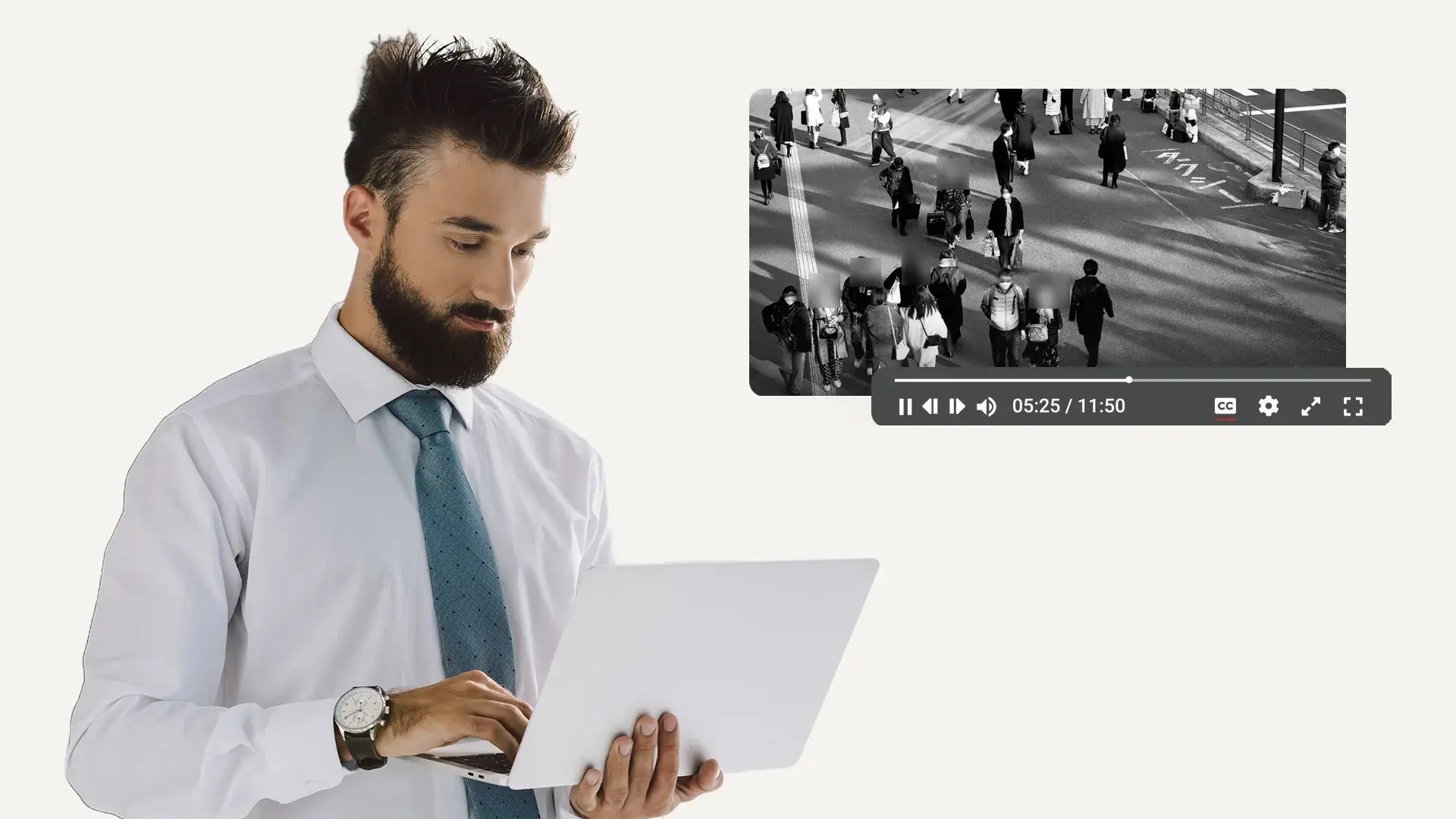
Support for all body camera formats
Different camera systems output footage in different formats. The redaction process must handle all of them without requiring manual conversion.
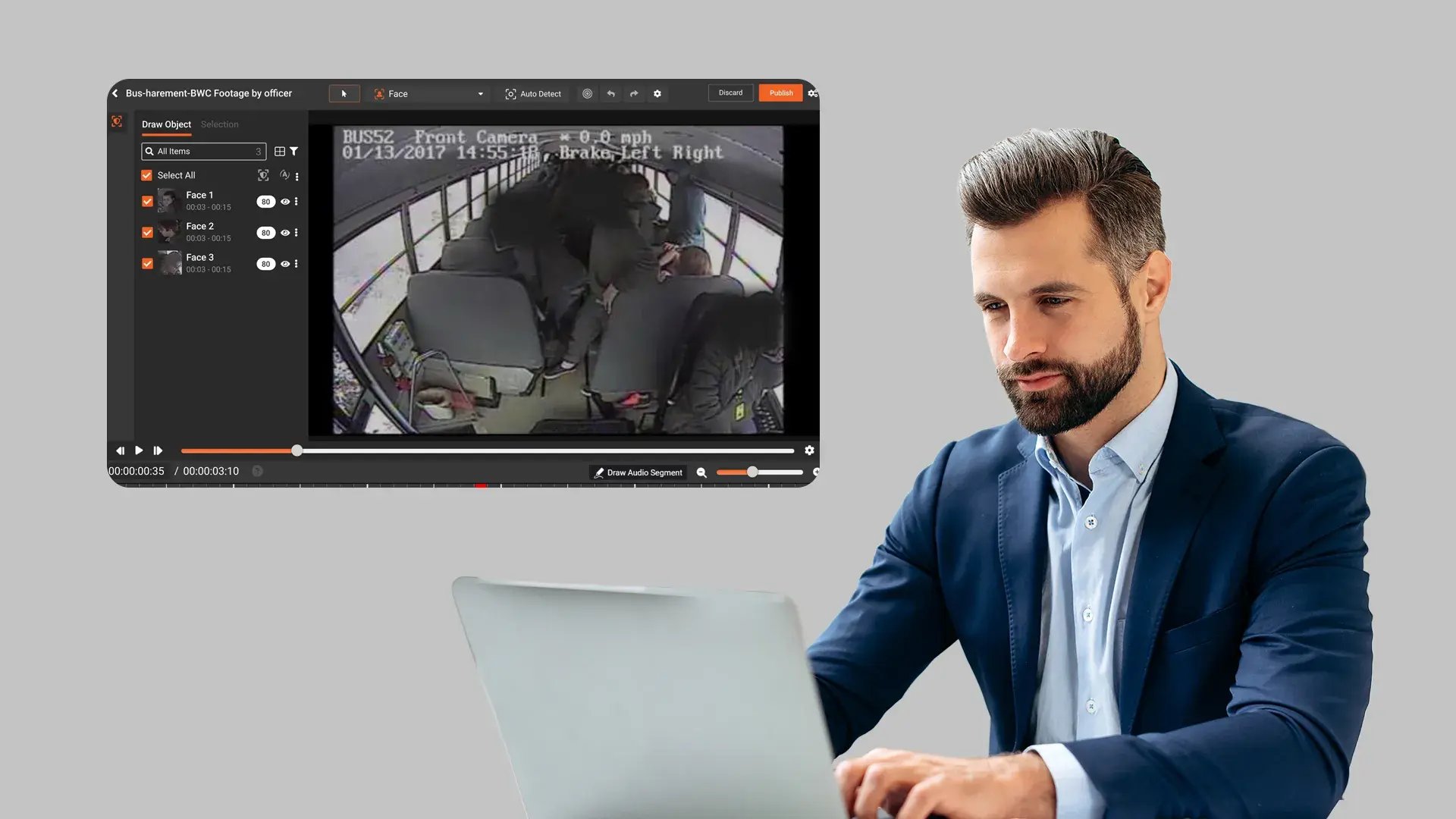
Human review and approval before release
Automated detection alone is not sufficient for evidentiary footage. A reviewer must verify every redaction and approve the final output before it leaves the agency.
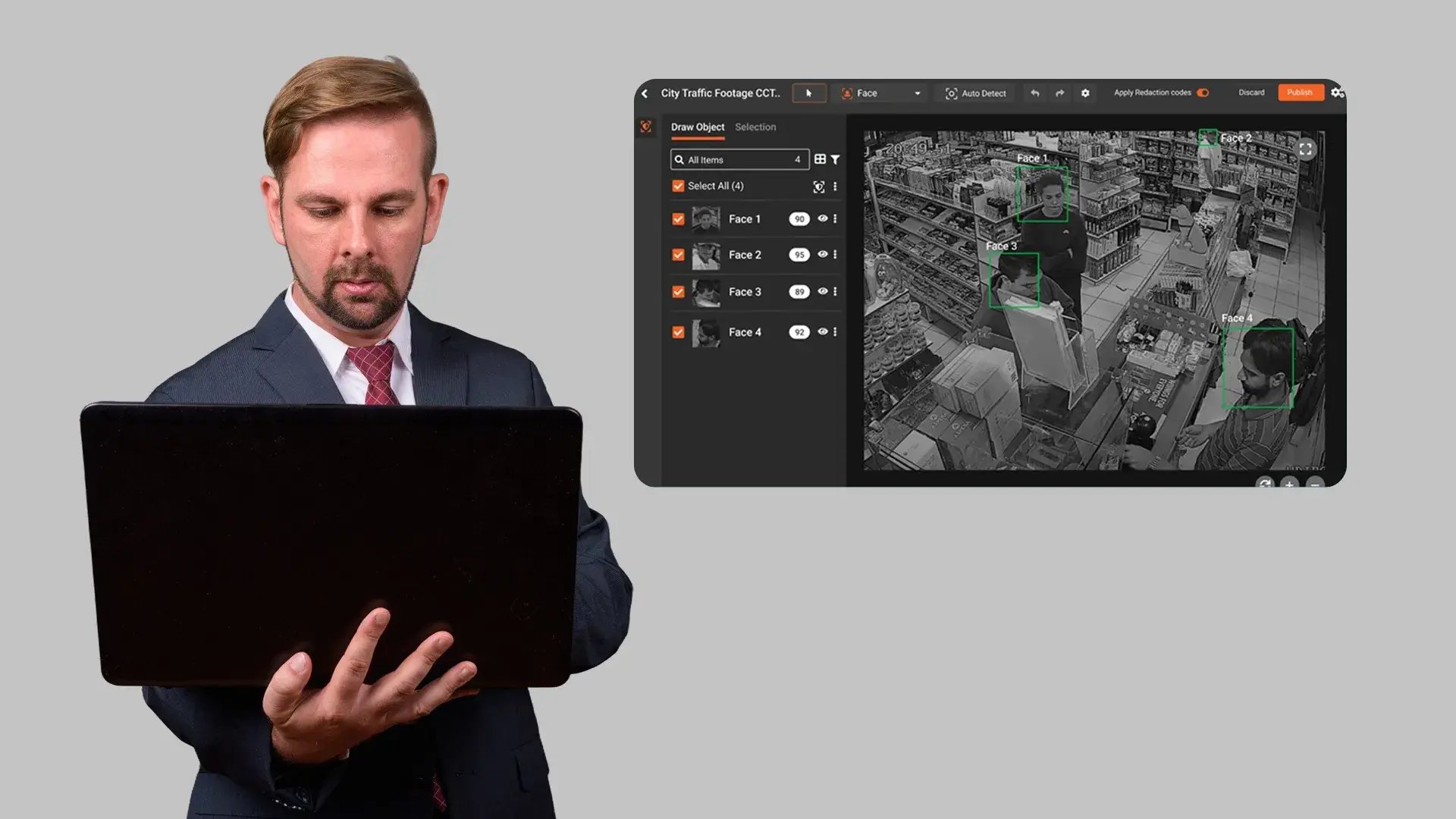
Documented audit trail per redaction decision
Every redaction must be logged with who made it, when, what was redacted, and under which legal exemption. This documentation is required for appeals, court challenges, and compliance audits.

Compliant processing and storage infrastructure
Body camera footage is criminal justice information. It must be processed and stored within infrastructure that meets applicable security policy requirements for encryption, access control, and audit logging.
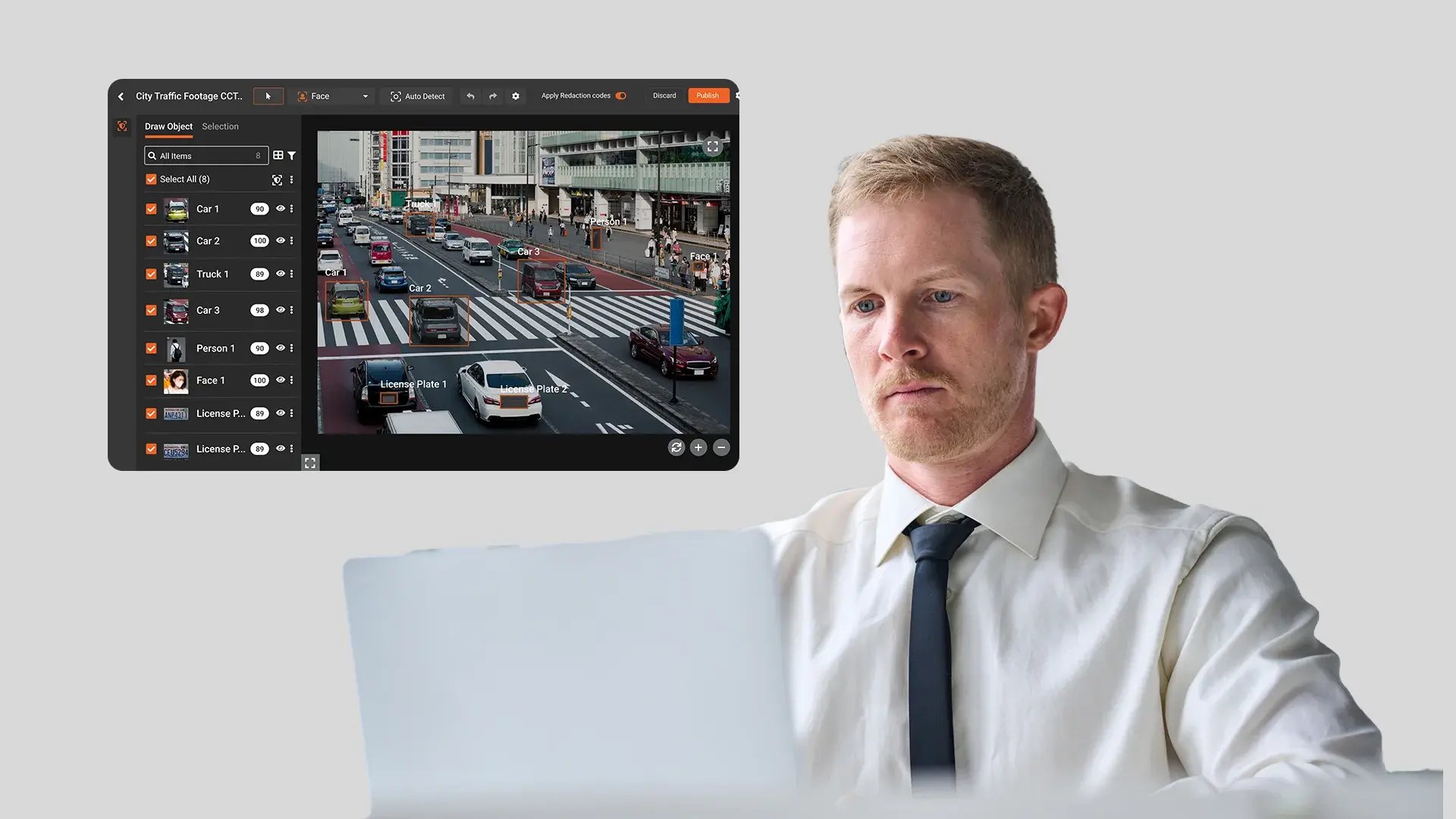
Redaction speed that meets disclosure deadlines
Public records laws impose response deadlines. The redaction process must be fast enough to meet them consistently without creating backlogs that put the agency out of compliance.
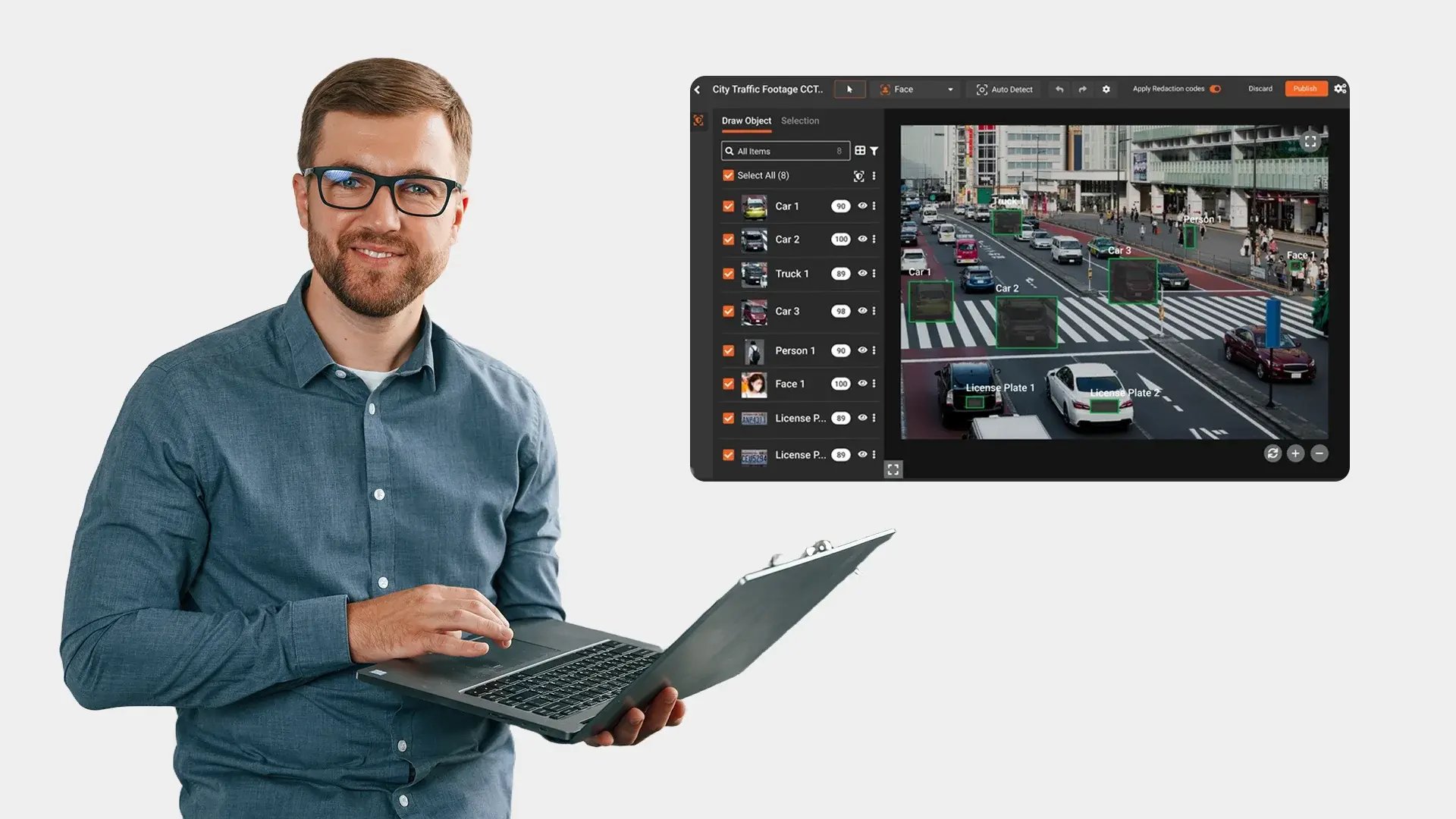

Records clerks and FOIA officers
Handle the bulk of public records requests involving BWC video. First to feel the backlog. First to benefit from automated detection.

Internal affairs investigators
Review officer conduct footage with the subject visible and every bystander masked. Selective redaction without frame-by-frame editing.
Evidence technicians
Prepare redacted files for court and case review. Need chain of custody, preserved originals, and tamper-proof audit logs with every export.

Public information officers
Release BWC footage to media after critical incidents under tight timelines. AI-assisted redaction compresses days of manual work into hours.

AI video redaction
Detect and track faces, license plates, weapons, vehicles, and screens across moving body camera footage automatically. Masking follows each object through occlusion, lighting changes, and camera movement.

Audio and Spoken PII Redaction
AI transcribes the audio track and detects spoken names, addresses, phone numbers, and 33+ other PII categories. Mute or bleep flagged segments directly from the transcript panel.

Bulk Processing
Upload hundreds of body camera files into a single batch. Configure detection settings once and process the entire queue overnight without manual intervention.

Selective Redaction
Keep one designated person visible while every other face in the scene is masked. Built for use-of-force reviews, internal affairs investigations, and public release.

Support for All Body Camera Formats
Ingest footage from any body camera system without manual conversion. 255+ video and audio formats accepted directly.

Audit Trail & Compliance Reporting
Every redaction decision is logged with PII category, timestamp, confidence score, reviewer identity, and exemption code. Reports are exportable for court, compliance audits, and internal review.


