
Redact PII from Screen Recordings with AI-Powered Redaction Software
Screen recordings from meetings, QA sessions, demos, and customer interactions capture names, account numbers, and sensitive data on screen. VIDIZMO Redactor detects and masks on-screen PII and spoken PII in the audio track so recordings can be stored, shared, and reused safely.




Screen Recordings Contain PII That Was Never Meant to Be Recorded
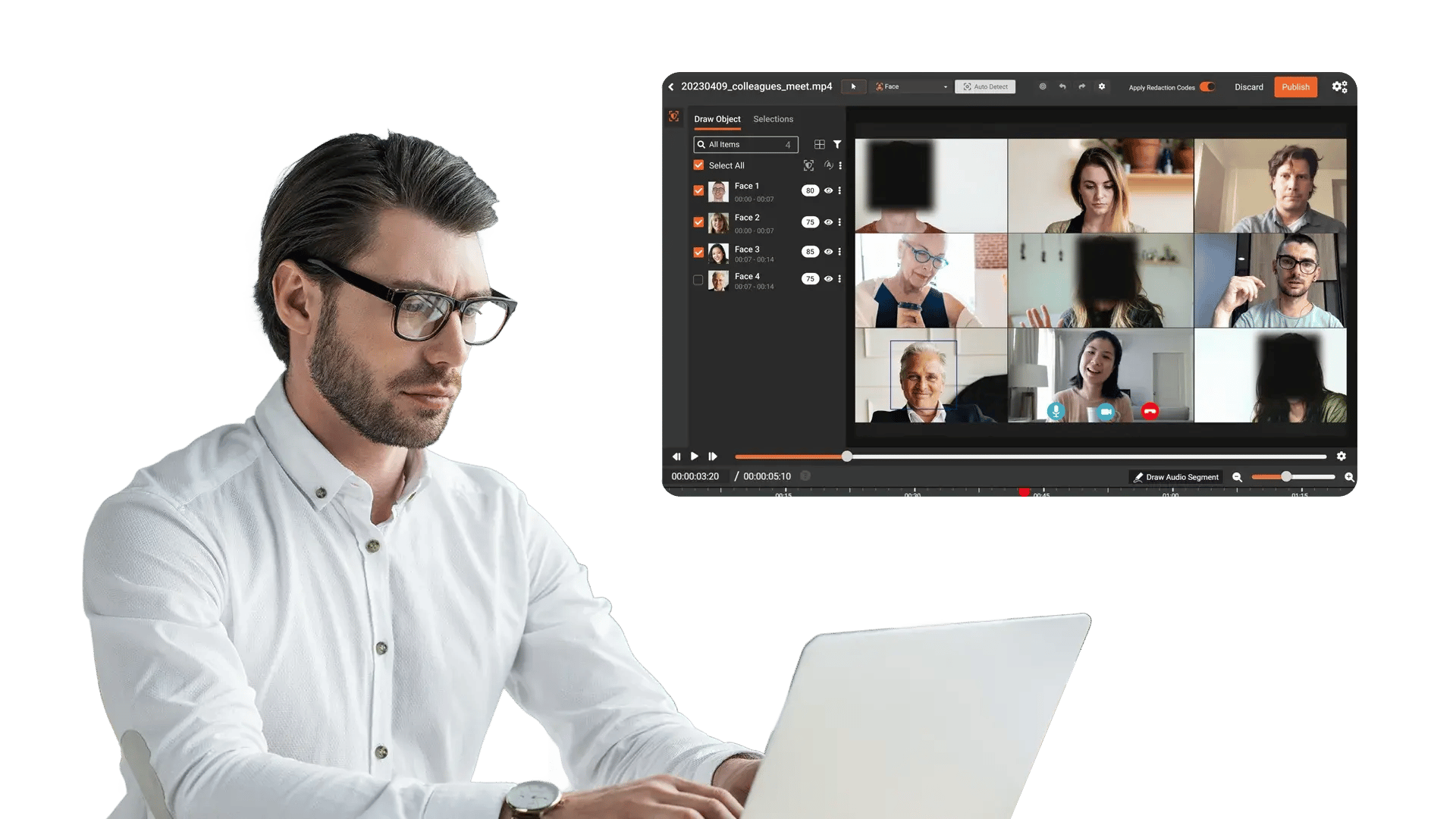
Every recorded screen session captures whatever is visible at the time: customer names in CRM fields, account numbers in dashboards, payment details mid-transaction, patient information in sidebars. The recording keeps growing, and so does the library of unreviewed files with exposed sensitive data inside them.

On-screen text detection
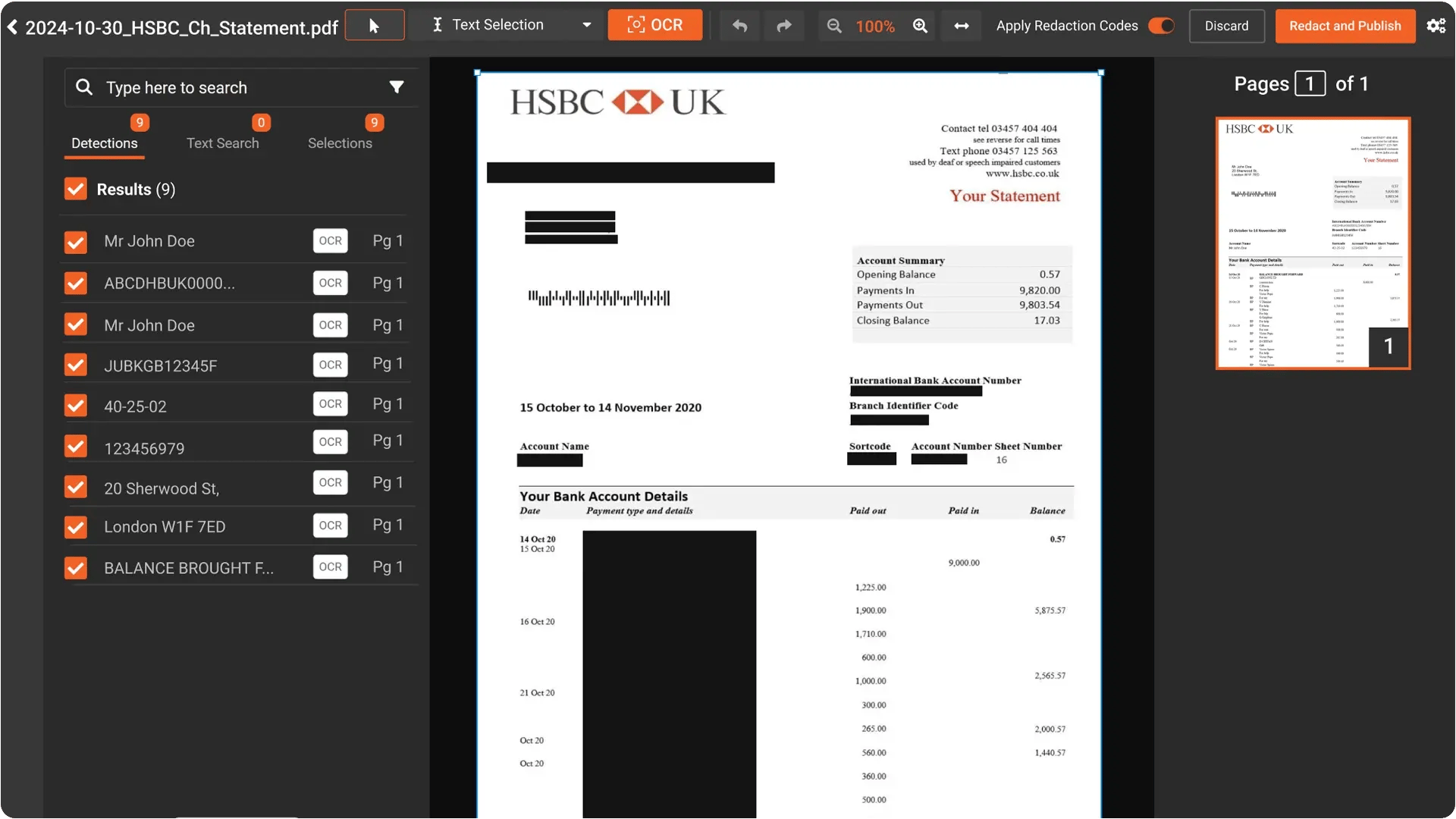
Names, account numbers, and addresses appear in dashboards, chat windows, browser tabs, and form fields. Detection must read this text accurately within the recording.

Audio PII redaction
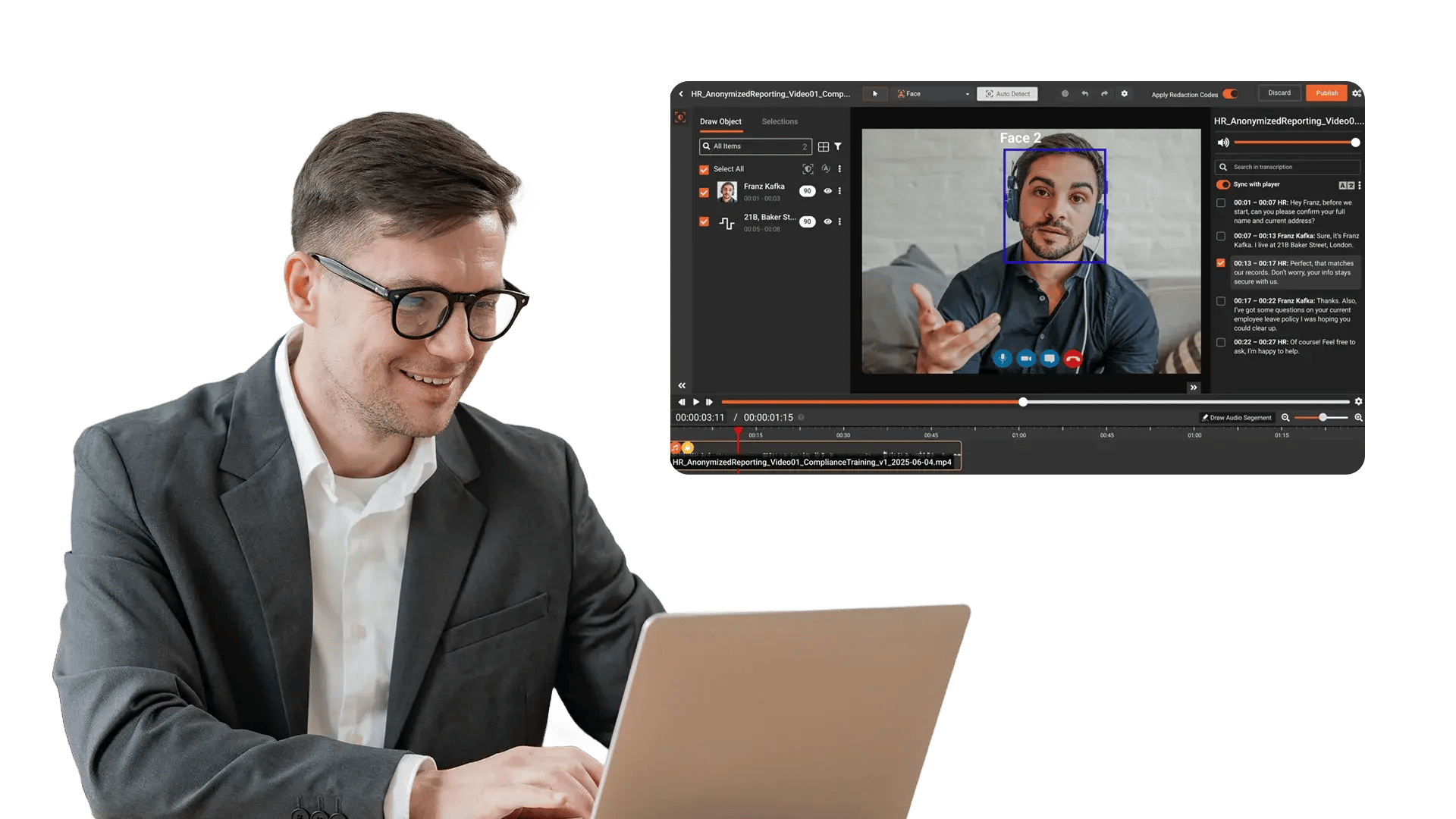
Speakers say names, numbers, and details that never appear on screen. The audio track needs redaction alongside the video in a single pass.

Multi-source format support
Recordings come from Zoom, Teams, Loom, Gong, OBS, and native OS capture. All formats must be accepted without manual conversion.

Human review before release
AI flags sensitive content. A reviewer verifies, adjusts, and approves before the recording is shared or archived.

Audit trail per redaction
Every redaction is logged with what was masked, who reviewed it, when, and at what confidence level.

Processing speed at volume
Teams produce dozens of recordings daily. The redaction process must clear them without creating a backlog.
Detect on-screen PII in rendered interfaces
AI identifies names, account numbers, addresses, SSNs, email addresses, and other PII displayed in application interfaces, dashboards, browser tabs, and chat windows within the recording.
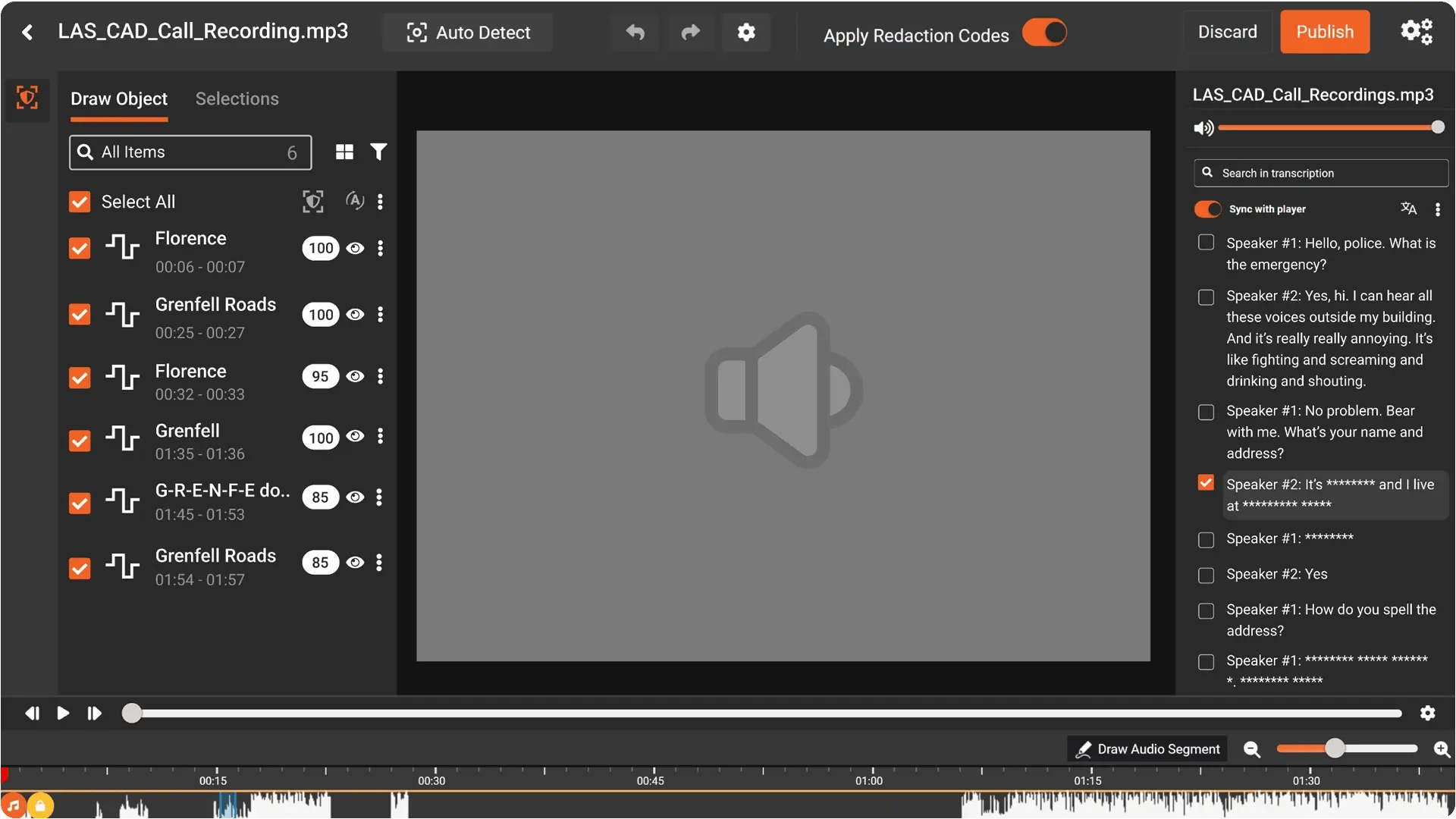
Redact spoken PII from the audio track
Transcribes the audio and detects spoken names, numbers, addresses, and other sensitive data. Mute or bleep flagged segments from the transcript panel.
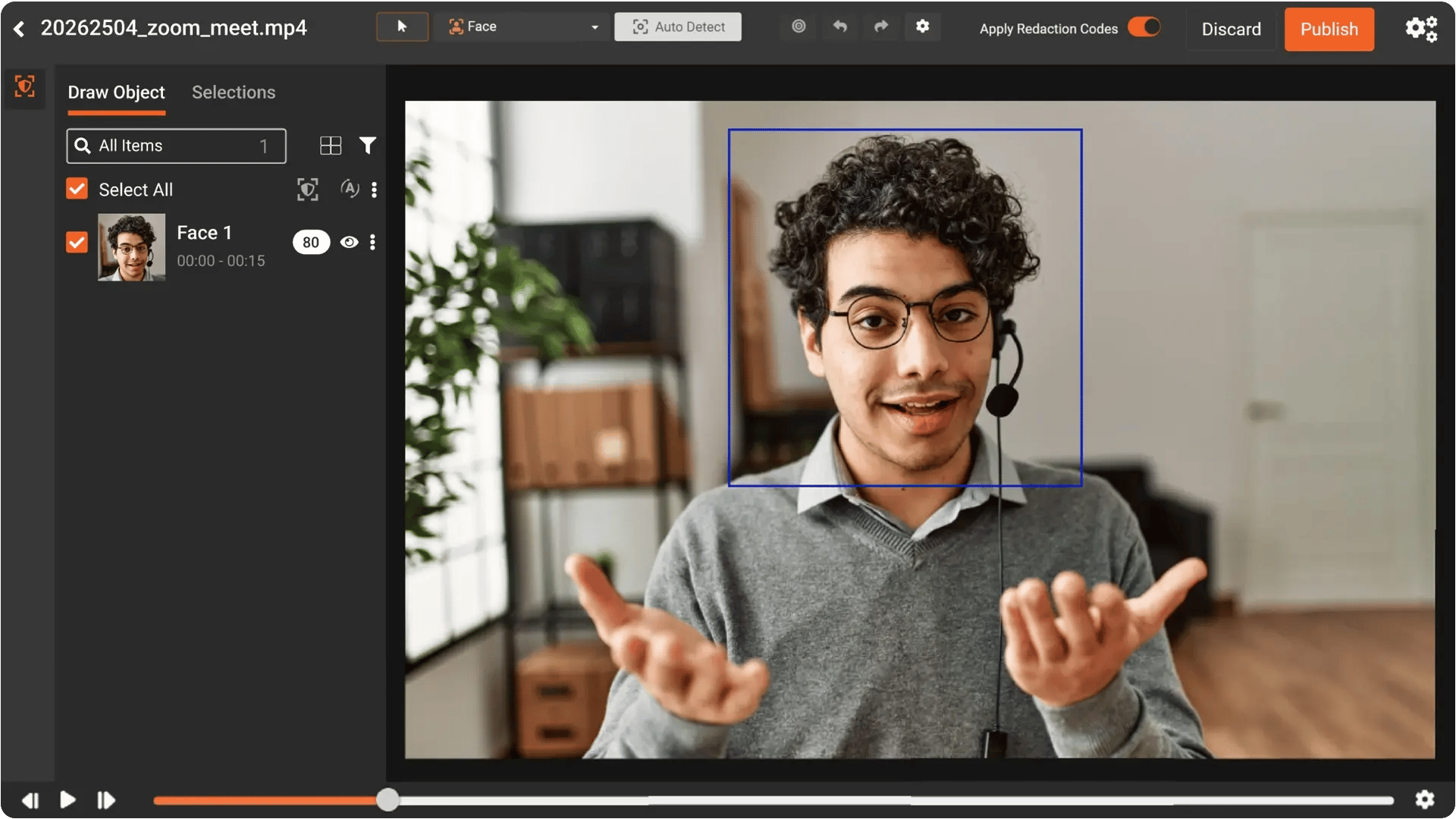
Process recordings from any source
Accepts screen recordings from Zoom, Teams, Loom, Gong, OBS, native OS capture, and any other tool. 255+ formats ingested without conversion.
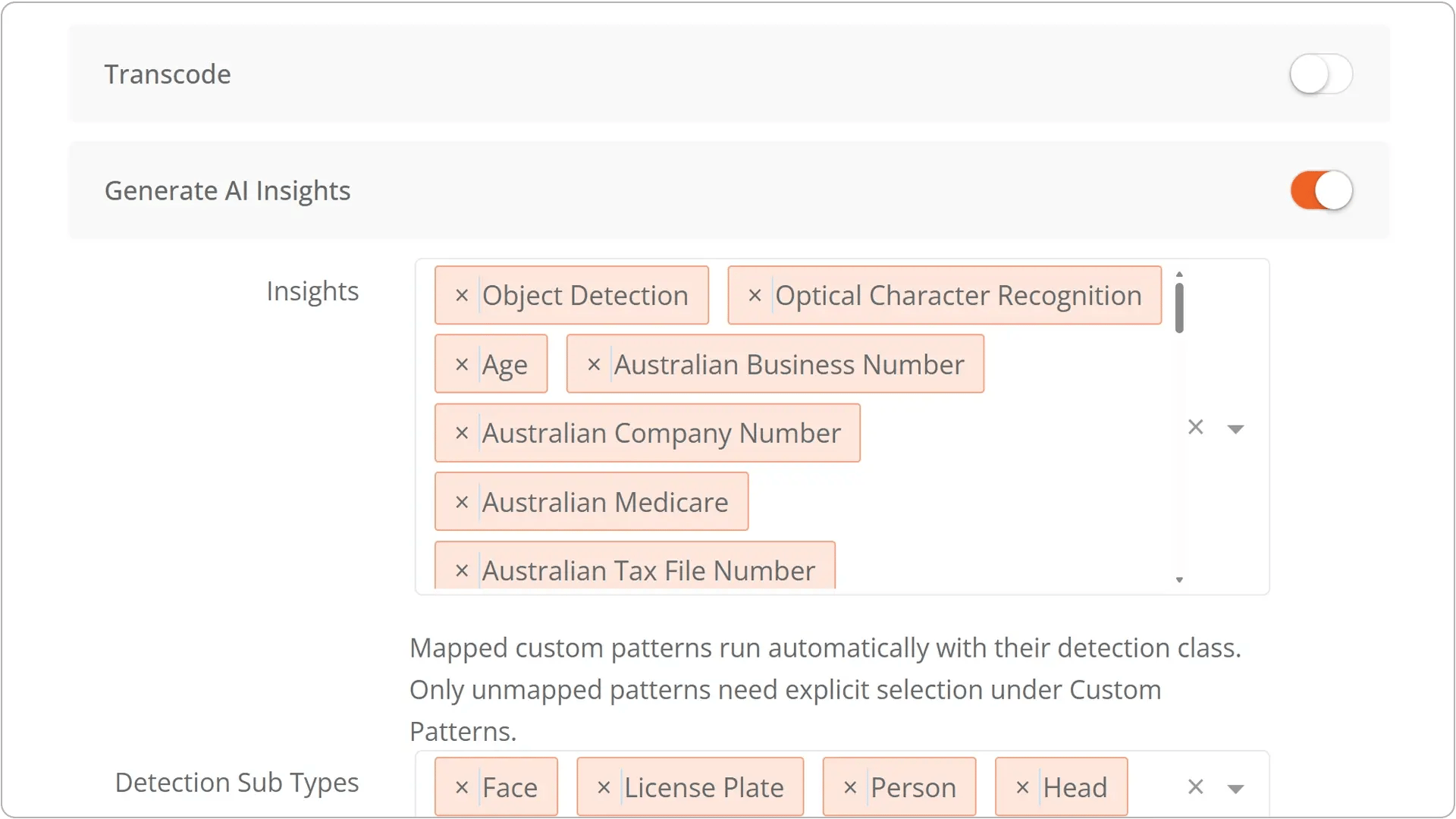
Bulk processing for recording libraries
Upload dozens or hundreds of recordings into a single batch. Configure detection rules once, process the full queue. Clean up existing recording libraries and process new recordings as they come in.
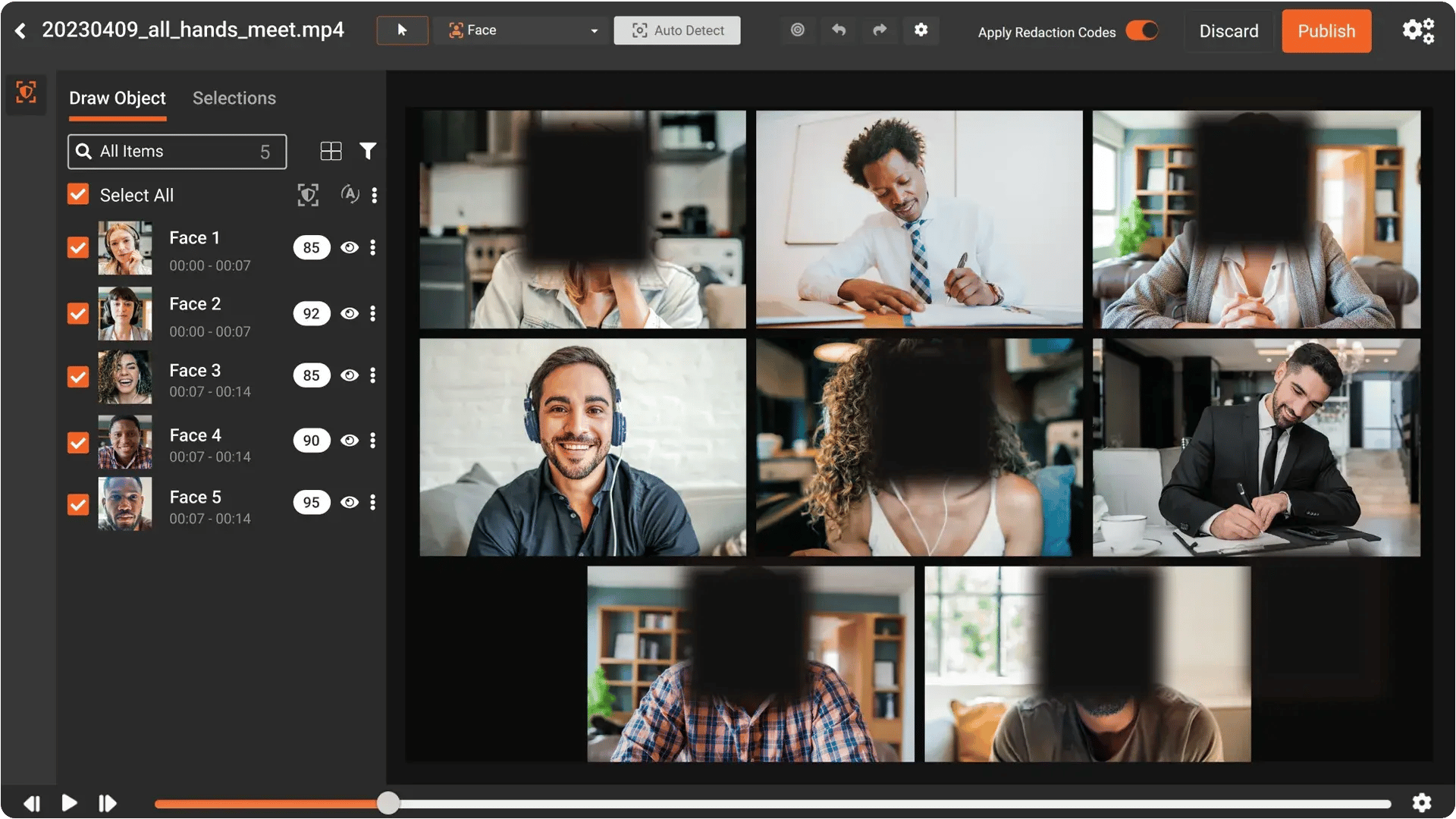
Configurable confidence thresholds
Set detection sensitivity between 25% and 90%. Higher thresholds for recordings being published externally. Lower thresholds for internal archive cleanup where recall matters more than precision.
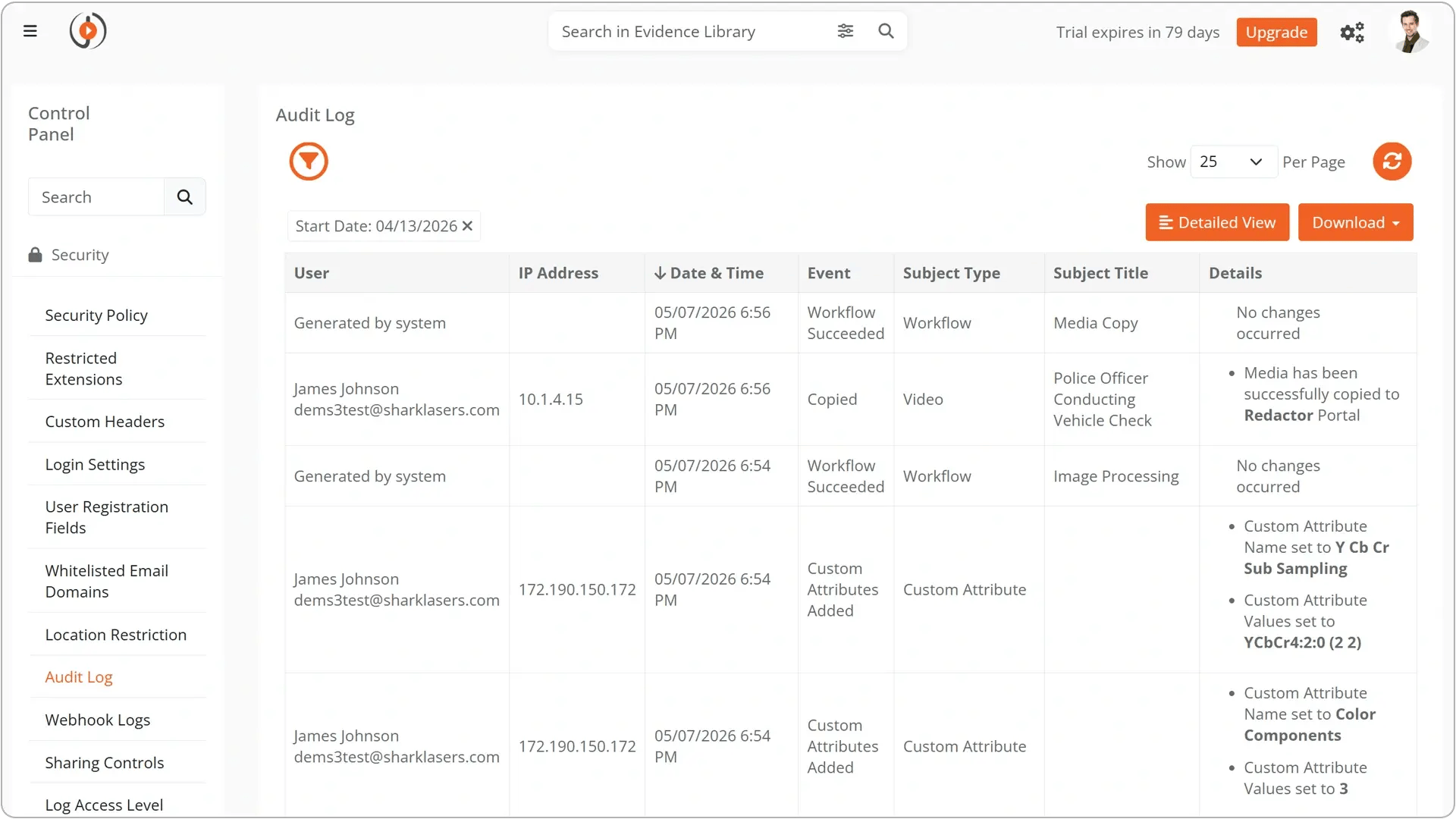
Audit trail and compliance reporting
Every detection, adjustment, and approval logged with PII category, timestamp, confidence score, and reviewer identity. Reports exportable for compliance audits and internal reviews.

Contact centers & BPOs
Outsourced call centers process thousands of payment calls daily across BFSI, collections, and healthcare verticals. Redact spoken PAN and CVV from every recording before it reaches QA, training, or archival storage.

Financial services
Compliance-mandated recordings of advisor and trader screens capture account numbers, portfolio details, and material non-public information. Regulatory frameworks require that sensitive data is protected before recordings are shared or retained.

Healthcare and telehealth
Clinical sessions, patient education recordings, and vendor demos capture patient names, insurance details, prescriptions, and diagnoses on screen. HIPAA applies to every recording containing PHI.

Enterprise and corporate teams
Zoom, Teams, and Loom recordings from internal meetings, onboarding sessions, and product demos frequently show internal dashboards, customer data, HR information, and financial reports.

Consulting and professional services
Client walkthrough videos and demo recordings contain sensitive client data, project details, and proprietary information. Redaction is needed before recordings are reused across client engagements.

Fully automated
Upload recordings via API, trigger AI detection, start a redaction job, and retrieve the processed file. Everything runs in the background without human intervention until the output is ready.
.svg)
Hybrid (automated + manual review)
For sensitive recordings, AI detects PII and routes the file to a reviewer in the VIDIZMO Redactor portal. The reviewer verifies, adjusts, and approves. Your system retrieves the final output via API.

Embed into any platform
Connect redaction to your call recording system, video conferencing platform, LMS, knowledge base, or compliance archive. Recordings are redacted as part of the existing workflow, not outside it.


