PHI Redaction, HIPAA Compliance, Redactor
DICOM Private Tags and Nested Sequences: Where PHI Hides
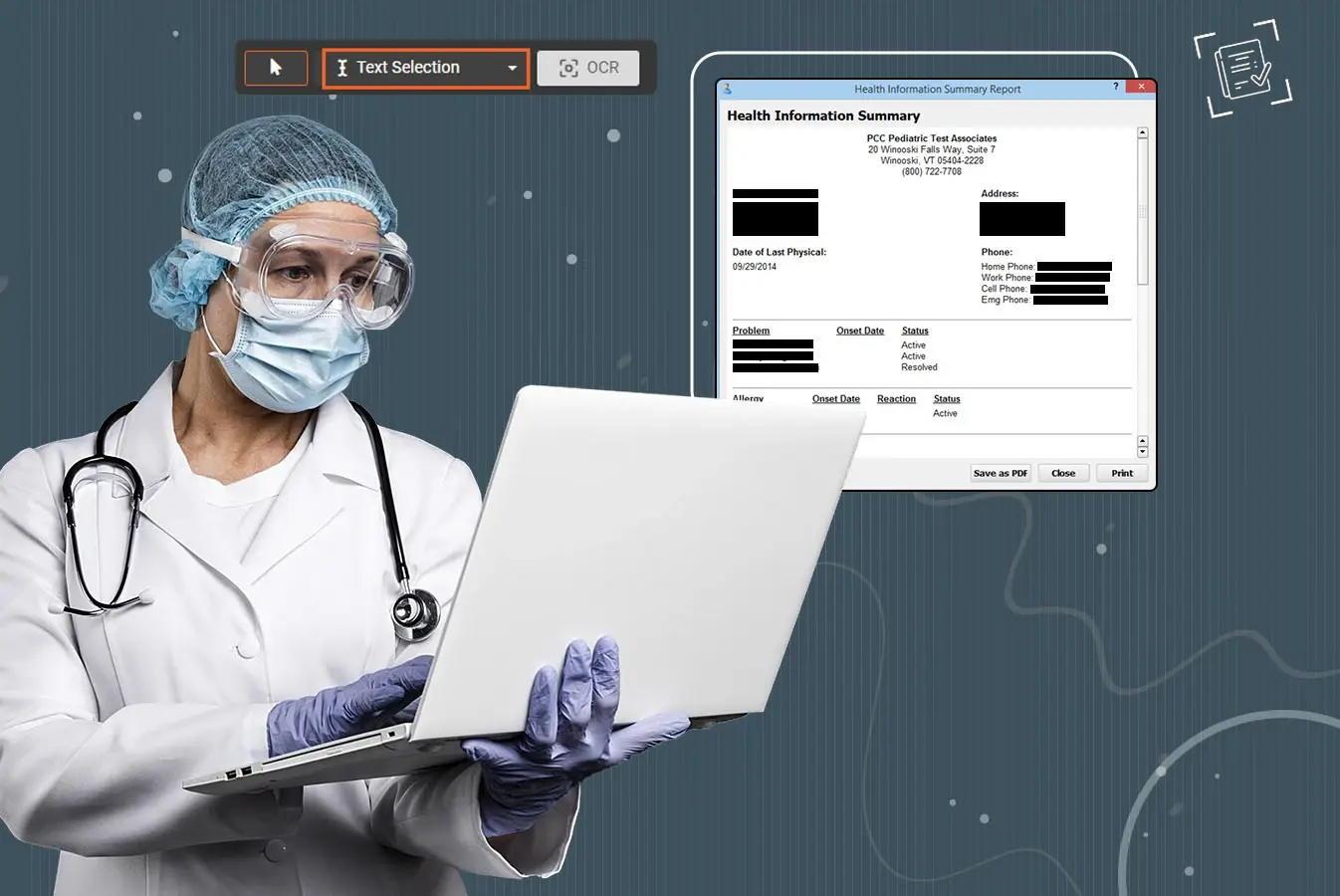
A DICOM (Digital Imaging and Communications in Medicine) header looks like a flat list of fields in a viewer's header panel, yet two parts of it behave nothing like a flat list. DICOM private tags hold data that each manufacturer defines for itself, and nested sequences hold items within items. Both are where protected health information (PHI) hides from scripts that only check the top level of the header.
The difficulty runs both ways, because some of what sits in those places is exactly what the image needs, like the ultrasound calibration that turns pixels into centimeters. Our guide to DICOM de-identification maps every surface of a DICOM file, from the named header fields to text burned into the pixels.
What DICOM private tags are, and why they differ by vendor
Private tags are attributes a manufacturer defines for information the standard has no attribute for, and PS3.5 requires their group number to be odd. A block within a private group is reserved by a Private Creator element, which holds an identification code naming the implementer that owns the block. The same group and element numbers can therefore mean different things under different creators, and the meaning lives in the manufacturer's documentation, if it is published at all. When an unfamiliar private block turns up, the Private Creator value is the first thing to read, because it names who reserved the block and so where its documentation should be.
That is why people search for one manufacturer's private tags by name, and why no generic list can say what a private element holds. PS3.15 puts it directly, noting that "By definition, Private Attributes contain proprietary information, in many cases the nature of which is known only to the vendor and not publicly documented."
The mapping from creator to block is fixed by the standard, and knowing it explains why private tags defeat simple scripts. A Private Creator element at (gggg,0010) identifies the elements from (gggg,1000) to (gggg,10FF). The creator at (gggg,0011) identifies (gggg,1100) to (gggg,11FF), and so on up to the creator at (gggg,00FF). PS3.5 also requires encoders to be able to "dynamically assign private data to any available (unreserved) block(s) within the Private group". The same vendor field can therefore sit at one element number in one file and another number in the next. A keep or remove rule written against a bare element number can hit the wrong field as a result. Any rule about private data has to name the creator's code as well as the element.
Some private data is genuinely useful, and the standard gives examples of values that exist nowhere else in the file. Technique details such as computed tomography (CT) helical span pitch, or the rescale factors behind standardized uptake values in positron emission tomography (PET), may be available only in private attributes. Nothing in the format stops a private element from holding a copy of the patient's name, a protocol note or a free-text comment. A de-identification pass cannot tell which is which without the vendor's definitions.
Remove every private tag, and know what that costs
The standard's baseline answer is removal, and Table E.1-1 marks private attributes X, meaning remove, under the Basic Application Level Confidentiality Profile. Its Retain Safe Private Option exists for projects that need some of them, and without that option, "all Private Attributes shall be removed."
We made the same choice as the default, removing every private tag when a header is de-identified, because a private block that nobody has reviewed can carry PHI out of the building. Tags a project depends on can be named on a keep list, so retaining one is a deliberate decision on record. Without that list the cost follows directly, because any viewer feature or analysis that relies on vendor-private data stops working on the de-identified copy. A team that depends on one needs to know before the release.
Keeping only the safe private tags is the alternative, and it asks for knowledge most projects have to build for themselves from each manufacturer's documentation. Even the standard's sample safe list comes with the warning that "Vendors do not guarantee them to be safe, and do not commit to sending them in any particular software version." A research team that needs one vendor's private field still has to confirm its meaning for every scanner model and software version in the data, which is vendor-by-vendor work. Before a request to keep such a field is granted, the project should know which analysis needs it and should have looked at the field's actual values across the dataset. A field documented as a technique parameter can still hold typed text on one site's scanners.
The standard also lets a device describe its own private blocks inside a Private Data Element Characteristics Sequence (0008,0300). A block can be marked SAFE in Block Identifying Information Status (0008,0303), or individual elements can be listed as nonidentifying. That description makes the decision easier where it exists, though it remains the manufacturer's word about its own data.
Nested sequences: items within items
A sequence is an attribute whose value is a list of items, and each item is a small data set of its own that can contain further sequences, to any depth. The Other Patient IDs Sequence (0010,1002) holds further patient IDs with their issuers, and structured reports carry their findings inside a Content Sequence (0040,A730). Request and referral details nest names, dates and descriptions the same way.
The standard's profile is written to reach inside these structures as well as across the top level of the header. PS3.15 requires a de-identifier to "protect or retain all instances of the Attributes listed in Table E.1-1, whether contained in the top level Data Set or embedded in an Item of a Sequence of Items". Keeping a sequence, it adds, "requires recursively applying the Profile rules to each Data Set in each Item of the Sequence".
A small test file shows quickly whether a tool reaches inside sequences or stops at the top level of the header. Put the patient ID at the top level of the header and again inside the Other Patient IDs Sequence, along with the issuer of that ID, and run the de-identification. A rule applied only at the top level masks the top-level copy and leaves the nested one, which is exactly the leak a header script produces when it never opens a sequence. A tool that follows its rules into every sequence item masks the nested ID and its issuer as well.
The two problems meet in private sequences, which can hold standard attributes, private attributes or both. Under the Retain Safe Private Option, a private sequence that is not known to hold only safe content has to be opened up. The standard says it "shall be parsed in its entirety and each of the nested Attributes handled on its own merits", instead of being dropped whole. Enhanced multi-frame files take nesting further, keeping much of their per-frame header inside functional group sequences, which our article on multi-frame DICOM files covers.
What has to survive: ultrasound calibration
Some structures in the header exist so the image can be used, and removing them to be safe turns a de-identified study into a useless one. The Sequence of Ultrasound Regions (0018,6011) is a Type 1 attribute of the US Region Calibration Module. Its items carry the physical units of each region and "The physical value increments per positive X pixel increment", which is what lets a viewer turn a distance in pixels into centimeters.
A tool that removes or blanks sequences to be safe breaks every measurement on such an image, even though the calibration identifies nobody. The structure has to stay intact while every other rule still reaches the fields inside it, so a banner can be masked in the pixels while the measurements keep working. Finding and masking the banner itself is covered in our article on burned-in text in DICOM ultrasound and secondary captures. Ordinary elements that software expects need the same care, with a replacement value their data type allows, as our article on which DICOM tags contain PHI explains type by type.
Overlays, presentation states and structured reports
A few more structures sit between the header and the pixels, and the field has not settled how to handle all of them. Overlay planes live in repeating groups such as Overlay Data (60xx,3000) and can carry annotation drawn over the image, and the Basic Profile removes them. Presentation states carry graphic annotations, such as the Graphic Annotation Sequence (0070,0001), which a radiologist may have added after the exam. Structured reports carry their findings as coded and free-text content, and documents encapsulated in DICOM carry whatever the document holds.
Each of these needs its own treatment, and a de-identification plan should name how it handles them instead of assuming that a pass over header tags and pixels covered them.
Checking private and nested data
Private and nested data is easy to miss in a viewer's header panel, so checking it takes a DICOM toolkit and some patience. A full dump of the output, read element by element as our guide recommends, should show no private groups beyond those your policy allows. Any private block that remains should still carry its Private Creator element, since a block without its creator can no longer be read by anyone. The standard's own option for keeping safe private attributes retains them "together with the Private Creator IDs that are required to fully define" them.
When you search the raw bytes for the patient's name, search for the stored form as well, with a caret between the family and given names. A search for the display form alone can miss it. Measuring a distance on an ultrasound image and comparing it with the same measurement on the original confirms that the calibration survived. Private blocks can change between scanner models and software versions, so the checks belong on files from each one in the release.
Nested fields in Redactor
In VIDIZMO Redactor, each field's rule reaches every copy of that field, wherever in the header it sits. A patient ID and its issuer inside the Other Patient IDs Sequence are therefore replaced along with the copy at the top of the header. The ultrasound calibration sequence is kept whole, and the fields inside it are still checked for identifiers.
The pixel side of the same file, including burned-in text, is on the DICOM redaction software page.
TopicsPHI RedactionHIPAA ComplianceRedactor
About the author
Nabeel Ali is a Senior Product Analyst at VIDIZMO, with five years at the company. An engineer by profession, Nabeel works on audio, video and DICOM redaction in Redactor, and has also worked on AI Intelligence Hub and AI Live Insight. The role sits where customers and engineering meet: hearing from customers, customer success, and the sales and marketing teams what goes wrong in real deployments, then working with the engineers until the product answers it.
You may also like

Video Redaction Best Practices: Motion, Frame Rates, Tracking and Failing Safe
I led our video redaction project for a county public safety agency where two people handled every disclosure, and ...
Redacting Dash Cam, Body Cam and Drone Footage From a Moving Camera
A fleet claims manager preparing crash footage for an insurer and defense counsel is doing a different job from a ...

Why Frame-Rate Headers Lie: Redacting Variable Frame Rate Video
A video file keeps time frame by frame, and the frames-per-second figure a player displays is a summary of that timing, ...
See it on your own content
Tell us what you are trying to solve and we will show you how it works on your infrastructure.