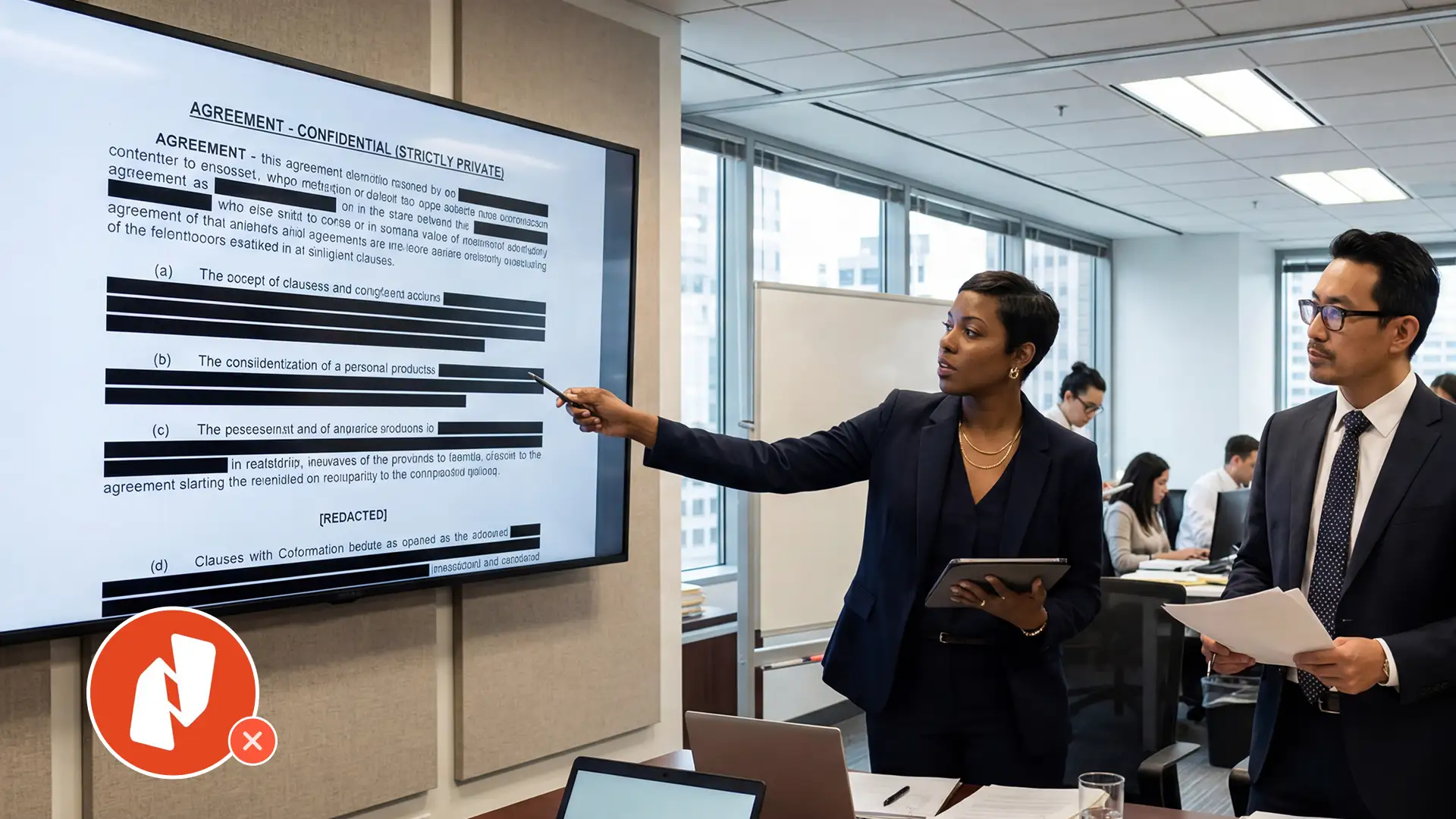
Nitro PDF Pro is a fine general-purpose PDF tool. It opens files, marks them up, and lets a paralegal drop a black box on a Social Security number when one shows up. For occasional, lightweight redaction, that is enough.
It stops being enough the moment claim files get long, medical records get faxed, and a privilege log has to ship with every production. For most insurance defense firms, in-house legal teams, and litigation paralegals working at real volume, Nitro is the wrong tool for the job, not because it is bad software, but because it was never built for this.
What Nitro PDF Pro Does Well for Legal Teams
Worth saying up front. Nitro handles single-page redaction box drawing reliably, exports clean redacted copies, costs less per seat than Adobe Acrobat, and uses a familiar Office-style ribbon paralegals can learn in an afternoon. For a small firm producing the occasional contract with a couple of redactions, Nitro is fine.
The mismatch is what happens when the workload grows past what manual page-turning can absorb.
Nitro PDF Pro Limitations for High-Volume Redaction
Six failure modes show up the moment claim file volume climbs.
Manual workflows don't scale to multi-thousand-page files
A 4,000-page claim file in Nitro is a multi-day project for one paralegal. The reviewer has to find every Social Security number, date of birth, account number, and driver's license number themselves. Nothing pre-marks them. The work moves exactly as fast as the human can read.
No OCR for faxed or handwritten medical records
Nitro reads native PDF text well. It cannot read what is not there. In a typical insurance defense claim file, medical records are scanned faxes, handwritten provider notes, and forms photocopied several generations down. Without OCR, the paralegal has to eyeball every page. Some teams pre-process documents through a separate OCR tool first, which adds another step and another vendor. Redactor's document redaction tool guide covers how OCR and ICR work together in a single pipeline.
No context-aware date detection
Nitro can find date-shaped strings with a regex. It cannot tell a date of birth (redact) apart from a date of service (preserve) on the same medical billing form. Federal Rule of Civil Procedure 5.2 requires redacting dates of birth before public filing while leaving operative dates intact, and getting that wrong is one of the most common reasons court filings get rejected. See Redactor's guide to court document redaction for the full set of court-rule requirements.
No batch or overnight processing
Each file gets opened, redacted, and saved one at a time. There is no queue and no unattended run. If three claim files land on a Friday, someone is working through them on Monday.
No automated privilege log
Nitro produces a redacted PDF. The privilege log gets built afterward in Word or Excel by hand, with the paralegal recording every redaction's page reference and applicable privilege. For litigation teams, that work is often as time-consuming as the redactions themselves.
No reviewer or approval workflow
Proposed-versus-applied redactions, attorney sign-off before burn-in, multi-stage QA, none of it exists natively. Teams improvise with file naming and shared folders, and it works until someone overwrites the wrong copy. Redactor's writeup on common redaction mistakes covers what tends to go wrong without a formal approval step.
Nitro PDF Pro vs AI Redaction: What Actually Changes
Take a 4,000-page insurance defense claim file with three compiled sources and roughly 40% scanned medical records.
In Nitro, that file is two to three days of paralegal time. Open. Search SSN patterns. Manually find what the search missed in scanned sections. Redact each instance. Save. Build the privilege log separately.
In an AI redaction platform like VIDIZMO Redactor, the file is configured once and queued. OCR and ICR run on scanned and handwritten portions automatically. Trained models flag every SSN, DOB, driver's license, and account number across the file. Context-aware classes preserve dates of service while catching dates of birth on intake forms. An LLM pass surfaces likely privileged language, such as attorney email domains or trigger phrases like "spoke with defense counsel," for attorney review.
The paralegal opens the file in a review studio, confirms or overrides the proposed redactions, and clicks apply. A redaction report generates alongside the redacted output, mapping each redaction to its page and the rule or privilege that triggered it. That report is the first draft of the privilege log.
Same file. Minutes of attended review instead of days of page-turning. For a deeper look at this in eDiscovery workflows, see Redactor's guide to privilege review and eDiscovery redaction.
When to Replace Nitro PDF Pro
Switch if three or more of these apply:
- Average case or claim file size is over 500 pages.
- More than 20% of file content arrives scanned, faxed, or handwritten.
- A privilege log is required on every production.
- Total redacted pages per month is in the tens of thousands.
- Paralegal headcount on redaction has grown to absorb the volume.
- An outsourced redaction vendor handles overflow at meaningful cost.
If the team is working around Nitro rather than with it, the hidden cost is showing up in paralegal hours, outsourced vendor invoices, and production-day fire drills. For mass tort, insurance defense, and high-volume litigation, the math usually tilts further. Redactor's piece on medical record redaction for mass tort law firms covers volumes most Nitro workflows can't keep up with.
How to Replace Nitro PDF Pro Without Breaking the Workflow
Run one actual claim file through the new tool before committing. Use real documents from the team's current caseload, including the scanned medical records that make Nitro break down. The proof point is whether the AI gets dates of birth right while leaving dates of service alone.
Configure one or two compliance templates that match the firm's privilege categories. HIPAA, GLBA, and standard PII templates come out of the box on most platforms. Custom categories such as attorney work product or attorney-client communication get added once and reused.
Start with one or two paralegal seats. Let the heaviest user prove the workflow on real production before expanding. Going from zero to 25 licenses on day one is how rollouts stall. Going from two to fifteen after the workflow is proven is how they succeed.
Keep Nitro for the small jobs where it is faster. Single-page NDAs and one-off contract redactions don't justify opening a new platform. The two tools coexist fine.
Nitro PDF Pro vs VIDIZMO Redactor: Side-by-Side Comparison
-1.png?width=1623&height=1055&name=image%20(14)-1.png)
For a broader comparison covering Redactable, CaseGuard, and Adobe Acrobat, see Redactor's 2026 comparison of AI redaction software for legal teams.
The Bottom Line
Nitro PDF Pro gets pressed into legal redaction work because it is already on the desktop and the license is cheap. For occasional redactions, fine. For multi-thousand-page claim files with handwritten medical records, ambiguous dates, and privilege logs on every production, it costs more in paralegal hours than the license ever saves in fees.
Most teams switch after a near-miss, a missed deadline, or a vendor invoice that finally got someone's attention. Doing it before any of that hits the firm is the cheaper path.
Redacting thousands of pages in Nitro? See what AI redaction does to the same file. Book a demo or start a free trial.

FAQ
Frequently Asked Questions
What is the best Nitro PDF Pro alternative for legal redaction?
The best alternative is an AI-powered redaction platform built for legal volume. VIDIZMO Redactor covers OCR, ICR, context-aware PII detection, batch processing, and automated redaction reports. It is purpose-built for insurance defense, mass tort, and eDiscovery workflows where Nitro's manual model breaks down. Redactable, CaseGuard, and Adobe Acrobat are other options worth evaluating.
Why do law firms replace Nitro PDF Pro?
Law firms replace Nitro PDF Pro when claim file volume outgrows manual redaction. Nitro requires page-by-page review, lacks OCR for faxed or handwritten records, cannot distinguish dates of birth from dates of service, and does not generate a privilege log. For multi-thousand-page files, those gaps cost more in paralegal hours than the license saves.
Can Nitro PDF Pro redact scanned or handwritten medical records?
No. Nitro PDF Pro can apply manual redaction boxes to scanned pages, but it does not include OCR or ICR for handwritten content. Paralegals working with faxed or handwritten medical records have to eyeball every page. AI redaction platforms run OCR and ICR automatically, then apply detection to the extracted text in a single pipeline.
Does Nitro PDF Pro generate a privilege log?
No. Nitro PDF Pro produces a redacted PDF, but the privilege log is built separately by hand in Word or Excel. AI redaction platforms generate a redaction report alongside the redacted file, mapping each redaction to its page and applicable privilege. That report serves as the first draft of a privilege log for litigation production.
How long does it take to redact 1,000 pages in Nitro PDF Pro?
Redacting 1,000 pages manually in Nitro PDF Pro typically takes a paralegal one to two full working days. Scanned and handwritten content extends that further because text search does not work. AI-powered redaction tools process the same volume in minutes and leave the paralegal to review and approve rather than search from scratch.
Is AI redaction software better than Nitro PDF Pro for insurance defense?
Yes, for high-volume work. Insurance defense claim files run thousands of pages with scanned medical records, ambiguous dates, and privileged correspondence. AI redaction handles OCR, contextual PII detection, batch processing, and privilege log generation, none of which Nitro supports. Nitro still works for small one-off jobs, but not for production-grade litigation redaction.
Can AI redaction replace manual Nitro workflows entirely?
Not entirely. AI handles the volume work: detection, OCR, batch processing, and report generation. Human review is still required to approve redactions on edge cases, contextually ambiguous PII, and privileged content. The realistic setup is a hybrid workflow where AI does the heavy lifting and paralegals handle the judgment calls, cutting total redaction time by 80% or more.
TopicsRedaction

About the author
Ali Rind is a Product Marketing Executive at VIDIZMO, where he focuses on digital evidence management, AI redaction, and enterprise video technology. He closely follows how law enforcement agencies, public safety organizations, and government bodies manage and act on video evidence, translating those insights into clear, practical content. Ali writes across Digital Evidence Management System, Redactor, and Intelligence Hub products, covering everything from compliance challenges to real-world deployment across federal, state, and commercial markets.
You may also like

Video Redaction Best Practices: Motion, Frame Rates, Tracking and Failing Safe
I led our video redaction project for a county public safety agency where two people handled every disclosure, and ...

Redacting Dash Cam, Body Cam and Drone Footage From a Moving Camera
A fleet claims manager preparing crash footage for an insurer and defense counsel is doing a different job from a ...

Why Frame-Rate Headers Lie: Redacting Variable Frame Rate Video
A video file keeps time frame by frame, and the frames-per-second figure a player displays is a summary of that timing, ...